> For the complete documentation index, see [llms.txt](https://docs.researchhub.com/llms.txt). Markdown versions of documentation pages are available by appending `.md` to page URLs; this page is available as [Markdown](https://docs.researchhub.com/researchhub/product-features/notebook.md).
# Notebook
Collaborate in real-time on ResearchHub
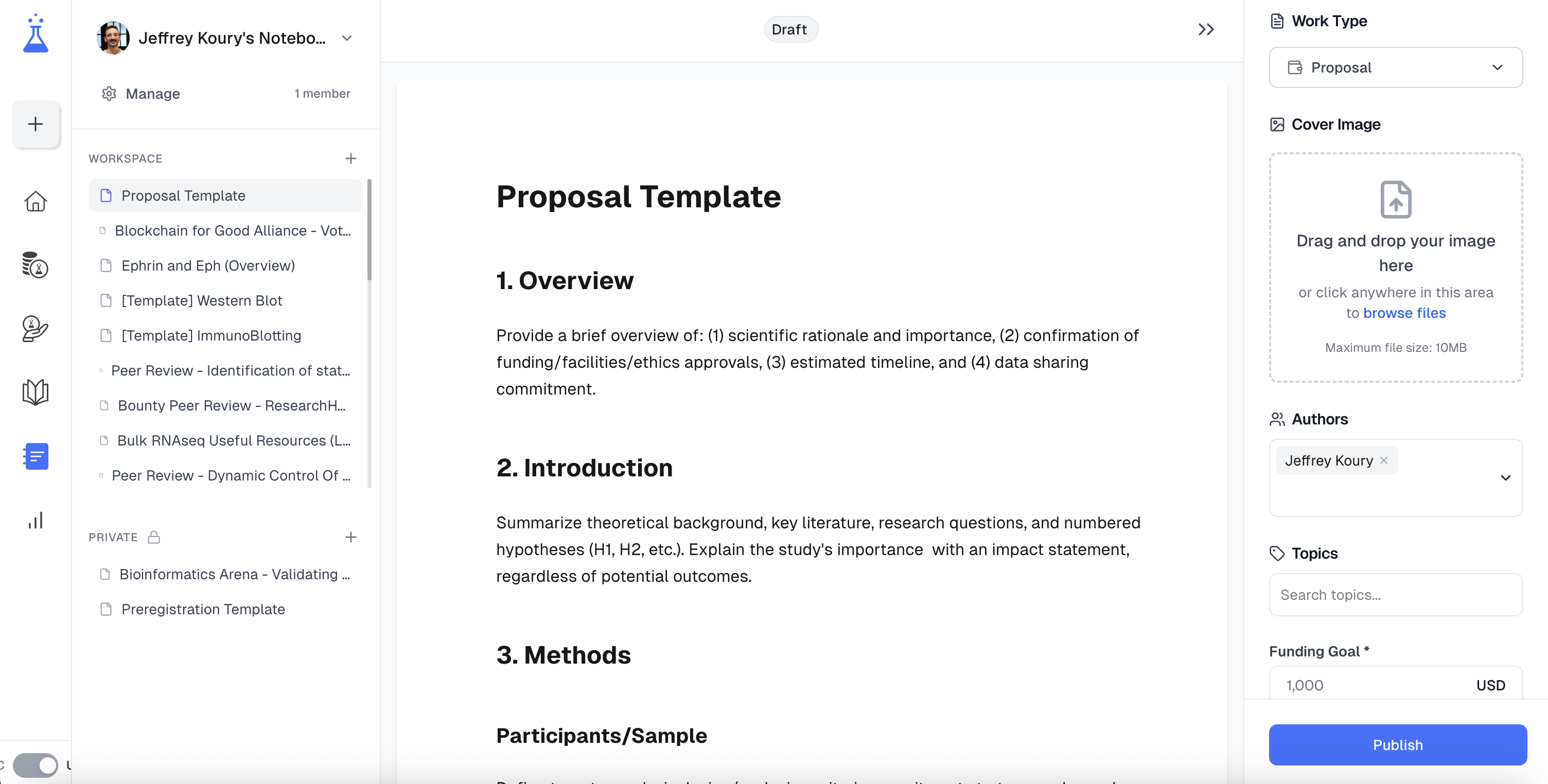
ResearchHub's notebook allows users to collaboratively draft content and publish it directly within our web application. To view this feature, click the `Notebook` button in the left sidebar.
## Sidebar Information
### Work Type
#### Original Research Work: Publish original research
* **Authors**: Choose an author.
* **Topics**: Select relevant keywords.
#### Proposal: Publish a funding proposal
* **Authors**: Choose an author.
* **Topics**: Select relevant keywords.
* **Funding Goal**: Specify crowdfunding target.
* **Non-profit**: Select an affiliated Non-profit Foundation.
* **Details**: Include your lab and university department.
#### Grant: Publish a request for proposal (RFP) with a budget
* **Short Description**: Provide 1-2 sentences outlining RFP's intention.
* **Organization**: Enter your organization's name.
* **Contacts**: Select affiliated contacts.
* **Topics**: Select relevant keywords.
* **Funding Amount**: Specify funding offer.
* **Application Deadline**: Set RFP submission deadline.
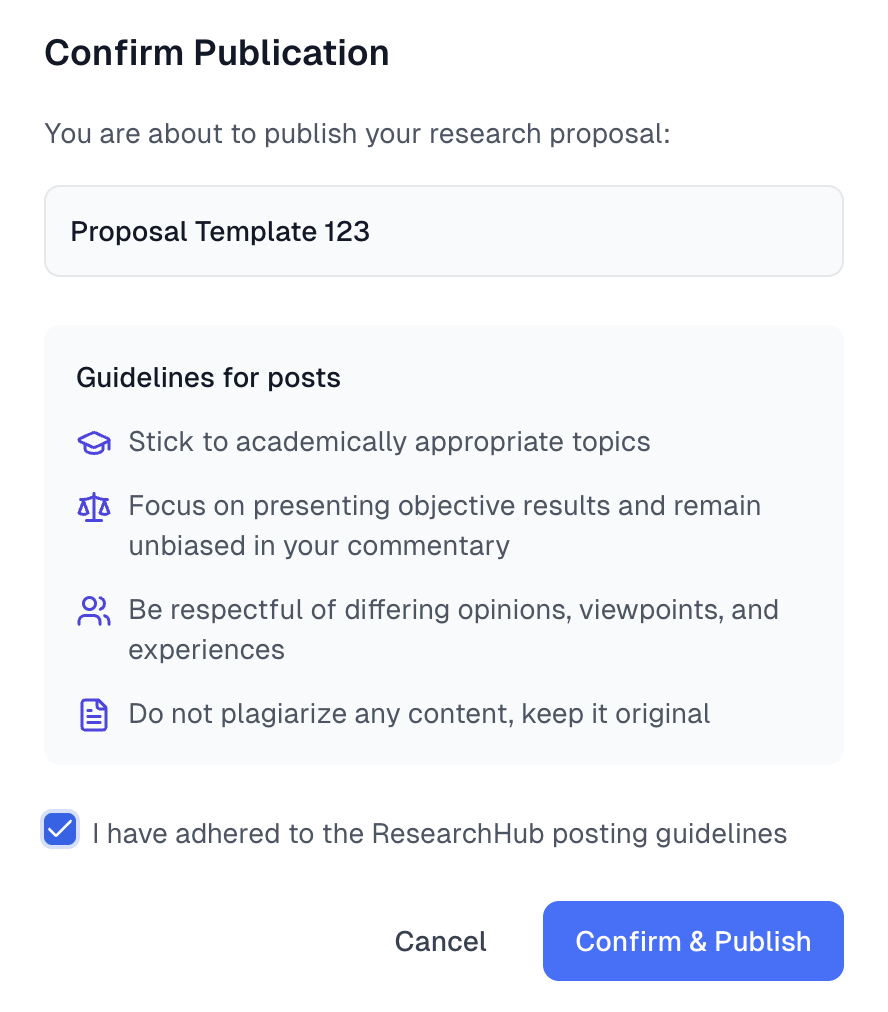
### Publish to ResearchHub
Publish seamlessly straight onto ResearchHub, and edit and iterate post-publication, where the scientific community can provide feedback on the content you posted.